Monthly Pro
7 days free for eligible new subscribersEvery Pro feature with an automatically renewing monthly subscription.
$4.99/ month
Open in the App Store SiliCue
Download
SiliCue
Download
SiliCue explains performance, battery health, thermals, storage, Wi-Fi, and network quality in one privacy-first Mac app.
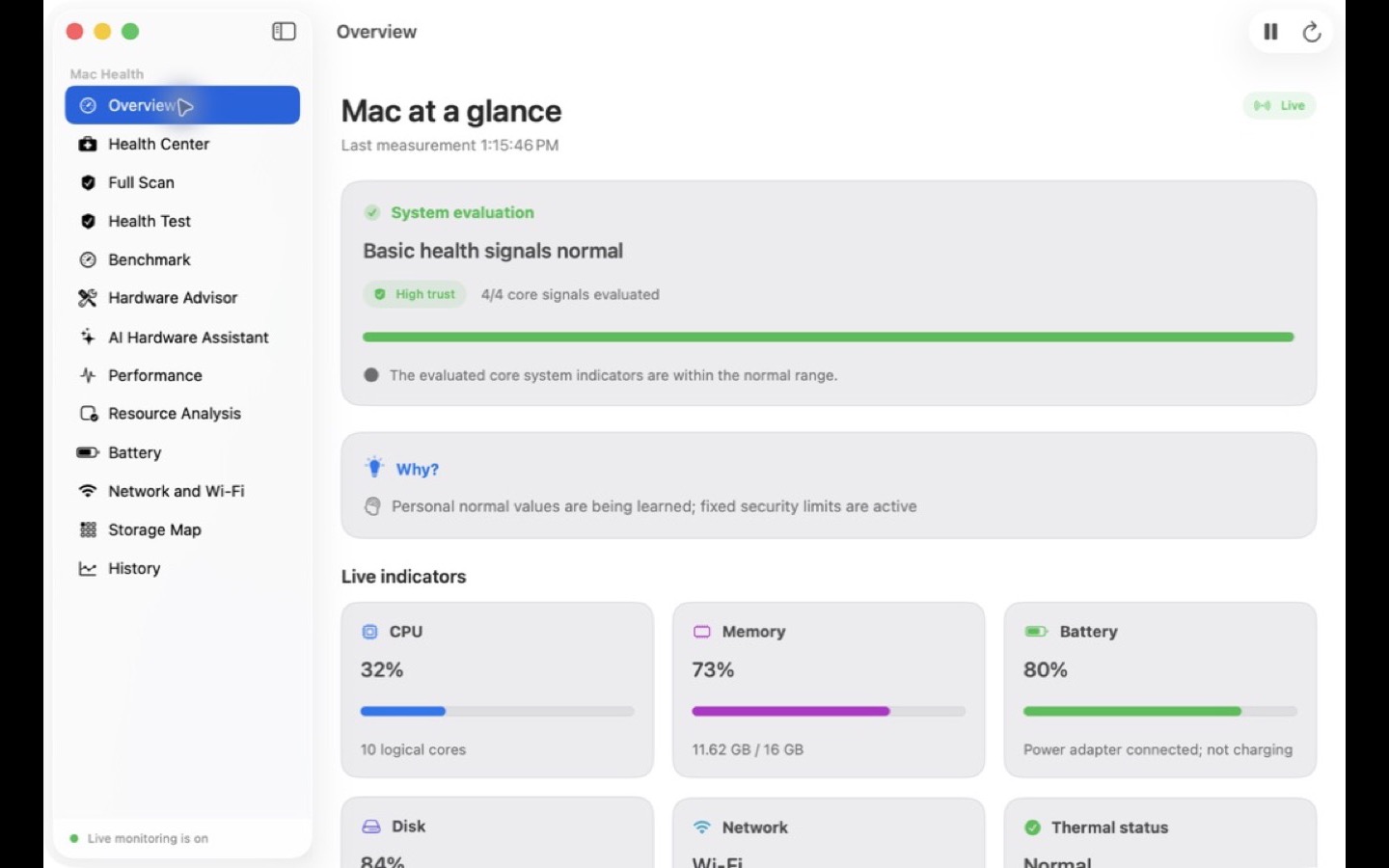
SiliCue is a native macOS system health monitor and pre-diagnostic toolkit. It explains CPU, memory, battery, thermal, storage, and network measurements with coverage and confidence instead of presenting a single signal as a certain fault diagnosis.
Health, performance, battery, network, and storage data become understandable results.
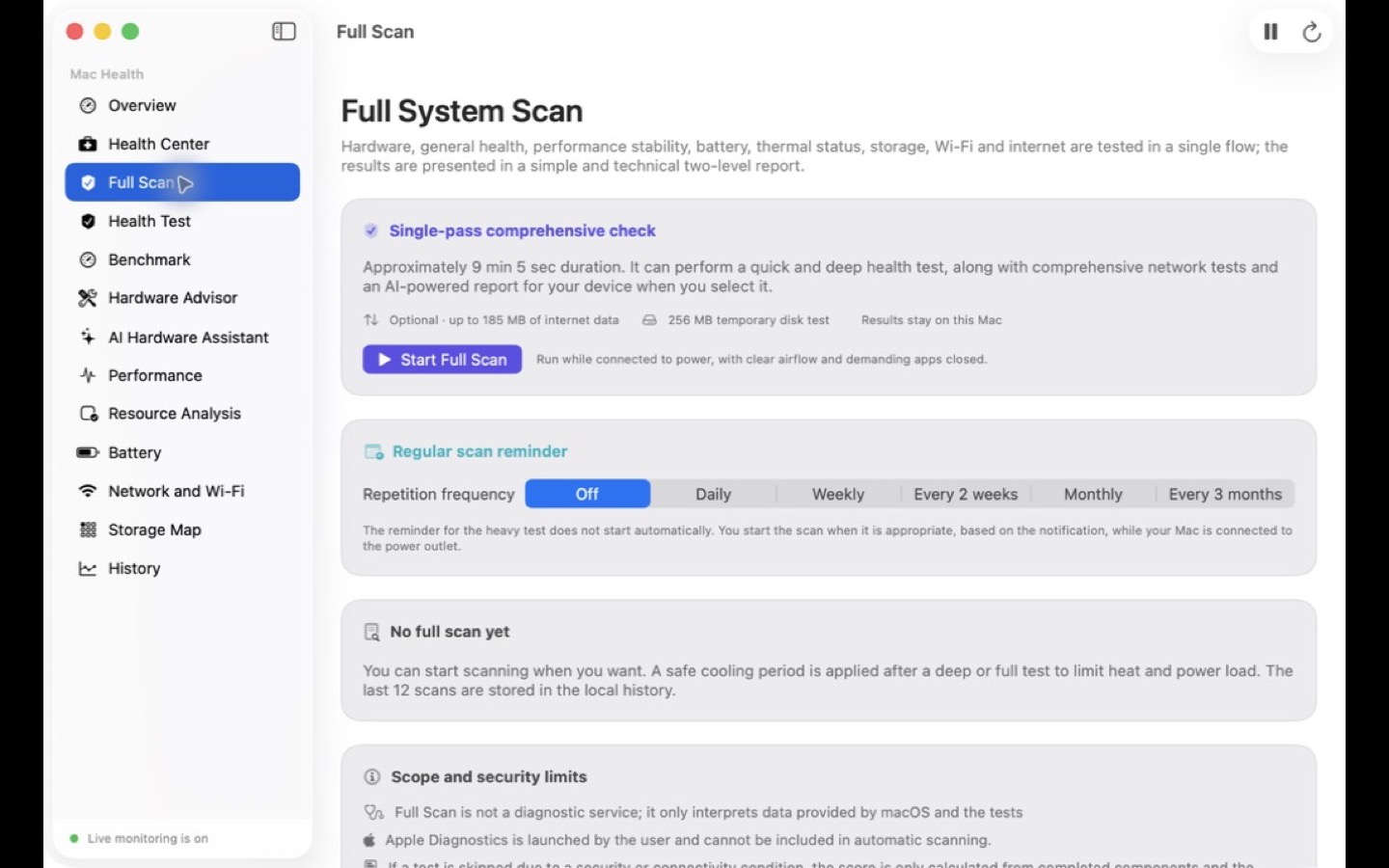
Live indicators and essential tools stay free. Pro unlocks the advanced analysis layer that connects measurements, evidence, and recommendations over time.
SiliCue Pro is the App Store edition’s analysis package. It does not add Advanced-only model-validated sensor telemetry or fan control.
Every Pro feature with an automatically renewing monthly subscription.
$4.99/ month
Open in the App StorePermanent access to the same Pro features, with no recurring charge.
$49.99one time
Open in the App StoreFounder Pro: Verified users whose original App Store version is 1.2 or earlier keep Pro access.
Prices shown are the U.S. App Store base prices. Apple determines local pricing, taxes, currency, and free-trial eligibility on the purchase screen. Subscriptions can be managed or canceled in App Store settings.
Both editions preserve the same clear experience for core health features.
| Feature | SiliCue App StoreFree core tools, with optional SiliCue Pro for advanced analysis.Download on the App Store | SiliCue AdvancedFor deeper sensors and controlled hardware capabilities.Explore Advanced |
|---|---|---|
| System health and full scan | Core health free · Full Scan Pro | Included |
| Battery, Wi‑Fi, and benchmark | Included | Included |
| Advanced sensor telemetry | Not included | Model + OS-build validated · read only |
| Fan speed and safe Fan Boost | Not included | Read-only RPM · control disabled |
| Detailed diagnostic tools | Not included | Read only |
Fan control is not currently enabled. It will require real-hardware validation and completed safe-return tests for an exact model.
More data. Controlled permission. Safe return.
Battery, CPU/GPU sensor-group temperature, system GPU-utilization, and fan-RPM telemetry validated for an exact model and OS build is available read only; fan control remains disabled until the physical-safety matrix is complete.
This is a safety contract, not an active control. Timeout, connection loss, sleep, or a thermal limit has one allowed result: restore automatic management.
No control ships before the helper and real-hardware evidence are complete.
A publishable SiliCue Advanced package must pass Apple Developer ID signing, Apple notarization, and file-integrity verification together.
Download the versioned Advanced package only from silicue.com.
Move the app to the Applications folder.
Explicitly approve the permission when first using an Advanced capability.
Because there is no automatic updater, manually verify every new full package and SHA‑256 digest.
The App Store edition is right for most people. Choose Advanced on a supported model and OS build when you need local read-only battery temperature, voltage and power flow, CPU/GPU sensor-group temperatures, system GPU utilization, or fan RPM. Numeric CPU/GPU temperature is currently limited to Mac17,2, macOS 26, and OS build 25F84 or 25G76; fan control is not offered.
When a supported SiliCue version and Mac provide GPU memory information, Apple silicon Macs use unified memory. SiliCue shows the Mac’s unified-memory capacity separately from the app’s current Metal allocation. Current allocation is not total GPU memory.
Advanced is separate so local model-validated telemetry and future verified hardware controls can remain outside the App Store Sandbox boundary. The App Store edition never requests those privileges.
No. The control remains hidden until the secure helper and real-hardware tests are complete. SiliCue does not guess compatibility or values.
Health measurements stay on your Mac by default. Technical connections made by user-started network tests are explained in the privacy policy.
Use the App Store edition for everyday Mac health, or inspect Advanced's current read-only diagnostics and safety architecture.